Launch offer · Just $47. Join 901 creators · One payment. Lifetime updates included.
Launch offer ends · 10 Nov, 11:59 PM IST
After that $97
Now an MCP

The playbook that turns into your video editor.

Write what you want in plain English. Get back agency-level reels with captions and motion graphics, in your own editing style.

see what you can make with it
Counters
Reel 1
Captions
Reel 2
Zoom cuts
Reel 3
Motion graphics
Reel 4
Interfaces
Reel 5
9:16 + 16:9
Reel 6
Callouts
Reel 7
Talking head
Reel 8

If you can describe the edit, you can make it.

You set it up once. After that, every video goes through the same three steps.

MP4talking-head.mp4transcribed
MP4broll-desk.mp4ready
TXTscript.txtmatched
REF3 reels you lovestudied
01

Drop in your footage

One command preps it all: transcribes you, lines it up with your script, finds every jump cut.

ClaudeEditing demo
You

Make the hook punchier. Cut the pauses, add bold captions, and zoom in when I say “here’s the thing”.

On it. Tightening the cuts and matching your style.
Describe your next edit…
+   ◉   AutoClaude   ◌
02

Describe the edit

Plain English, like you'd brief an editor. Point at a reel you love and say “that, but my brand”.

03

Give notes, get the final

Watch the draft, give notes, render. Horizontal and vertical from the same edit.

Included: the content kit

Reels, carousels and posts.
All in your style.

Every video you edit can also become a carousel and static posts, written from what you said and designed in your fonts and colours. No designer, no Canva, no extra charge.
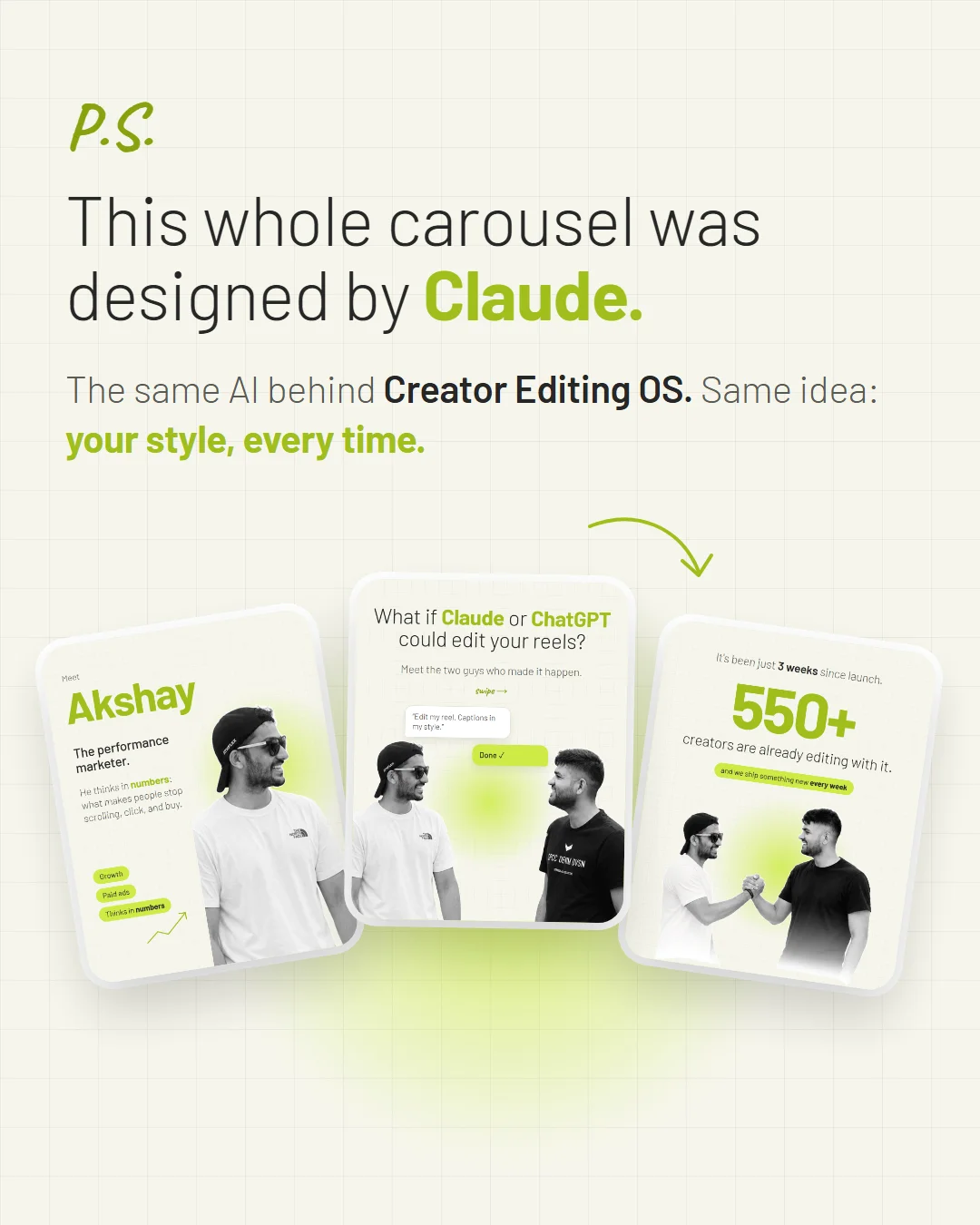
✳Claude · one video, every format
3 posts from every video
Your reel
1 / 14
Your carousel · swipe to explore
A static post designed with Claude in the Creator Editing OS style
Your static post
Same brand on every postWritten from your own wordsReady to upload
coming free+ more formats

↑ already own it? just say “update my studio”

The full walkthrough

Watch me edit a video, start to finish.

See the process in action, from telling the system what you want to reviewing the finished edit.

What people are saying

The messages keep coming in.

Real notes, videos and a voice message from people trying Creator Editing OS.
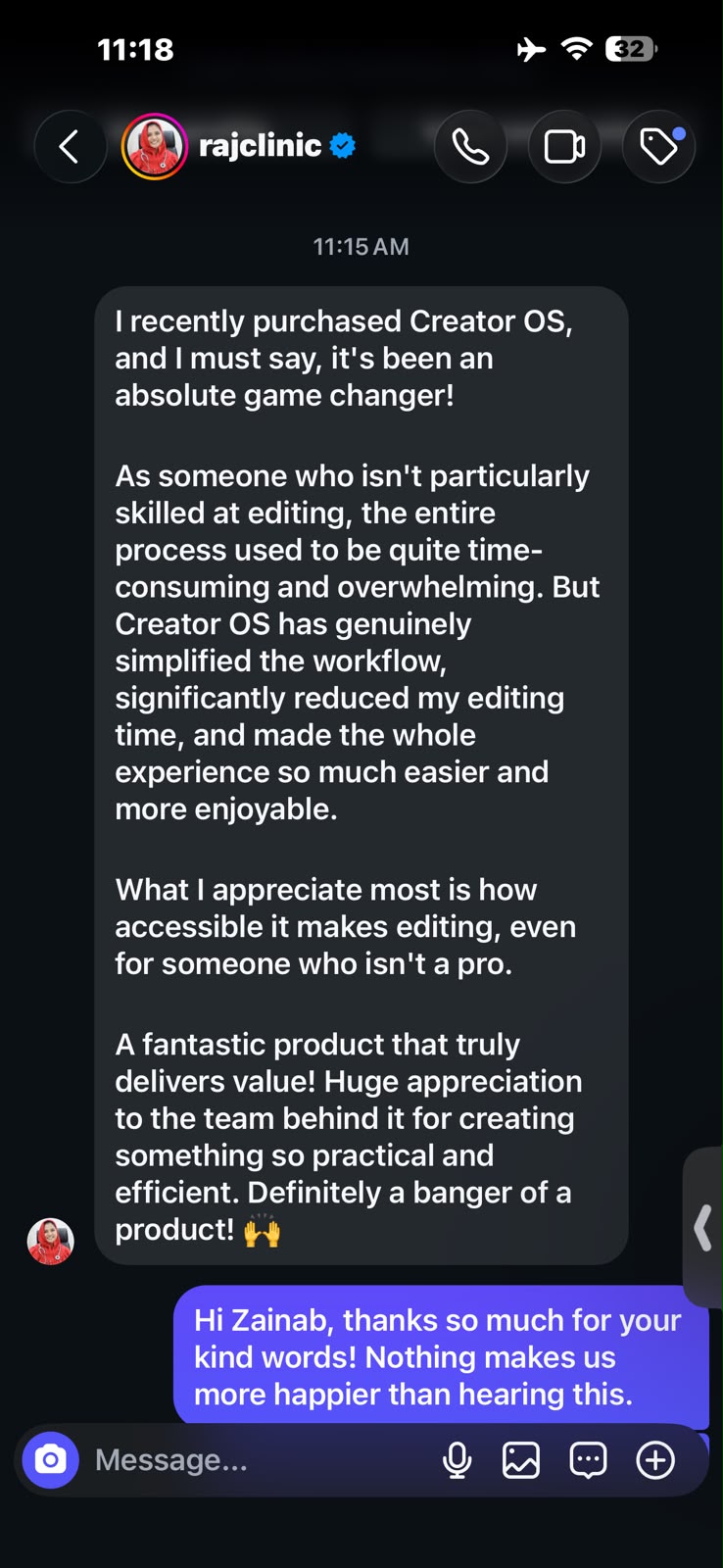
Instagram message from Raj Clinic saying Creator OS simplified their editing workflow and made the process faster and more enjoyable
@rajclinic · 157K+ Instagram followers · View full image

A voice note from a customer.

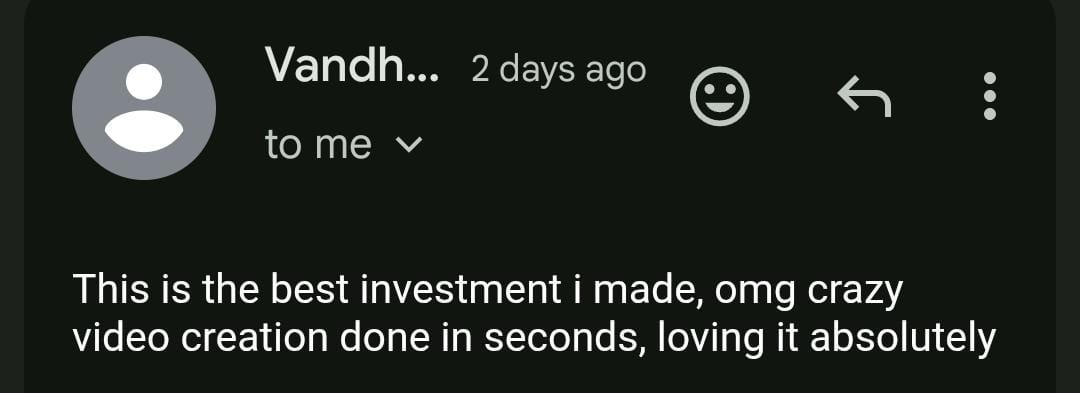
Customer email: This is the best investment I made, loving the video creation
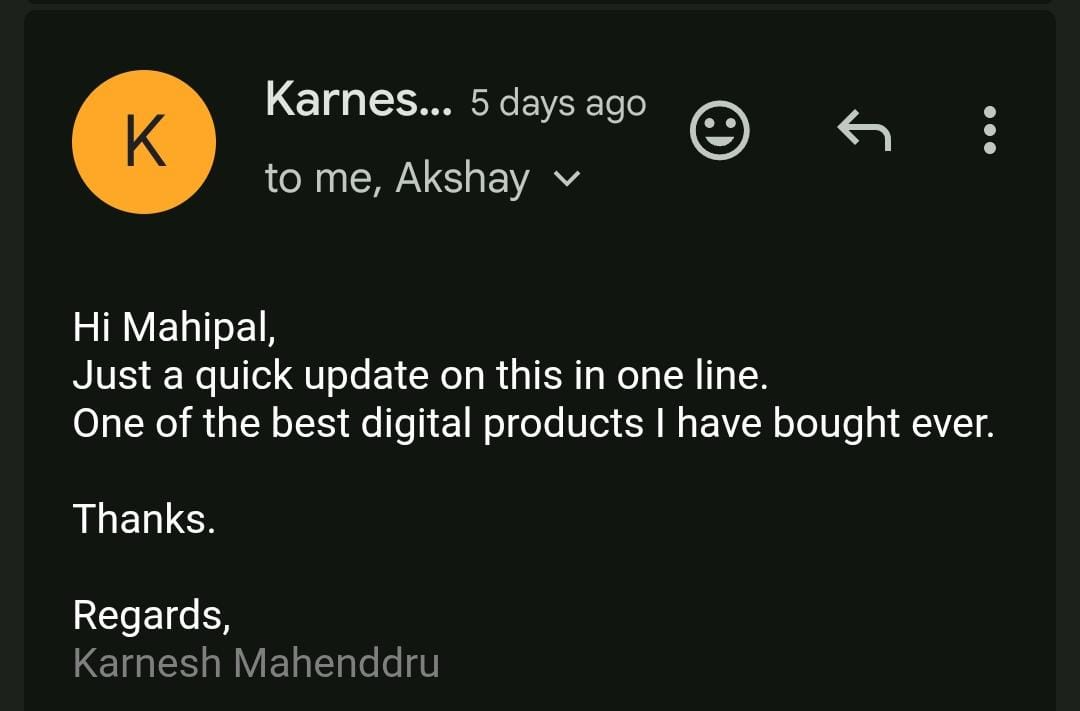
Customer email from Karnesh describing Creator Editing OS as one of the best digital products he has bought
Every update, free

Lock in $47.
Get everything that comes next.

We ship new features every few weeks. Each one lands in the studio you already own, no upgrade fee, no “pro plan”. To get it, you type one line: update my studio

In progress
In progress

Ready-made style packs

Finished looks you can use on day one: explainer, animated and clean talking-head. Paste the code and every edit follows it.

In progress

Caption styles library

A shelf of caption looks. Switch with one sentence.

In progress

Sound effects library

Whooshes, clicks, shutters and typing, matched to your cuts, kept under your voice.

In progress

More content formats

New post types for the content kit, in the same brand as your reels.

Planned
Planned

Hook doctor

Spots a weak opening and re-cuts stronger ones for you to pick from.

Planned

Voiceover in your voice

Fix a fluffed line without re-recording. Your own voice only, with your consent.

Planned

A week of posts in one go

Drop in a folder of footage, get back a posting queue with captions ready.

Planned

Thumbnails and covers

Picks your best frame and designs the cover in your brand.

Alternatives are expensive and slow.

Learning a pro tool or hiring an editor costs too much time and money.

Traditional editors

  • ✕
    GhostingMid-project, right before your launch.
  • ✕
    Long feedback loopsOne caption fix, three days, v4.
  • ✕
    Their style, not yoursEvery editor brings their own habits.
  • ✕
    $50+ a reelThe bill grows with every post.
the one with taste

Creator Editing OS

  • ✓
    Never ghosts youIt's on your laptop at 2 a.m.
  • ✓
    Notes fixed in minutesType the change. Watch it happen.
  • ✓
    Your design system, your editing styleIt learns what good looks like to you.
  • ✓
    $47 oncePlus your Claude subscription.

Other AI video tools

  • ✕
    Template lookSame captions as the whole feed.
  • ✕
    Credits run out mid-editThen it's another top-up.
  • ✕
    Regenerate and prayNo real control over the details.
  • ✕
    Another monthly planStacked on the ones you already pay.
Requirements

What you need to run it.

A Windows PC or Mac

A laptop or desktop. 8 GB RAM works, more is faster. Not phones, tablets or Chromebooks.

Claude or ChatGPT

A compatible paid Claude or ChatGPT plan with access to the tools used in the workflow. Your AI subscription is separate and paid to the provider, not us.

About 10 GB free

For the editing tools and your footage.

Your footage

Talking head, b-roll, screen recordings. A script if you have one.

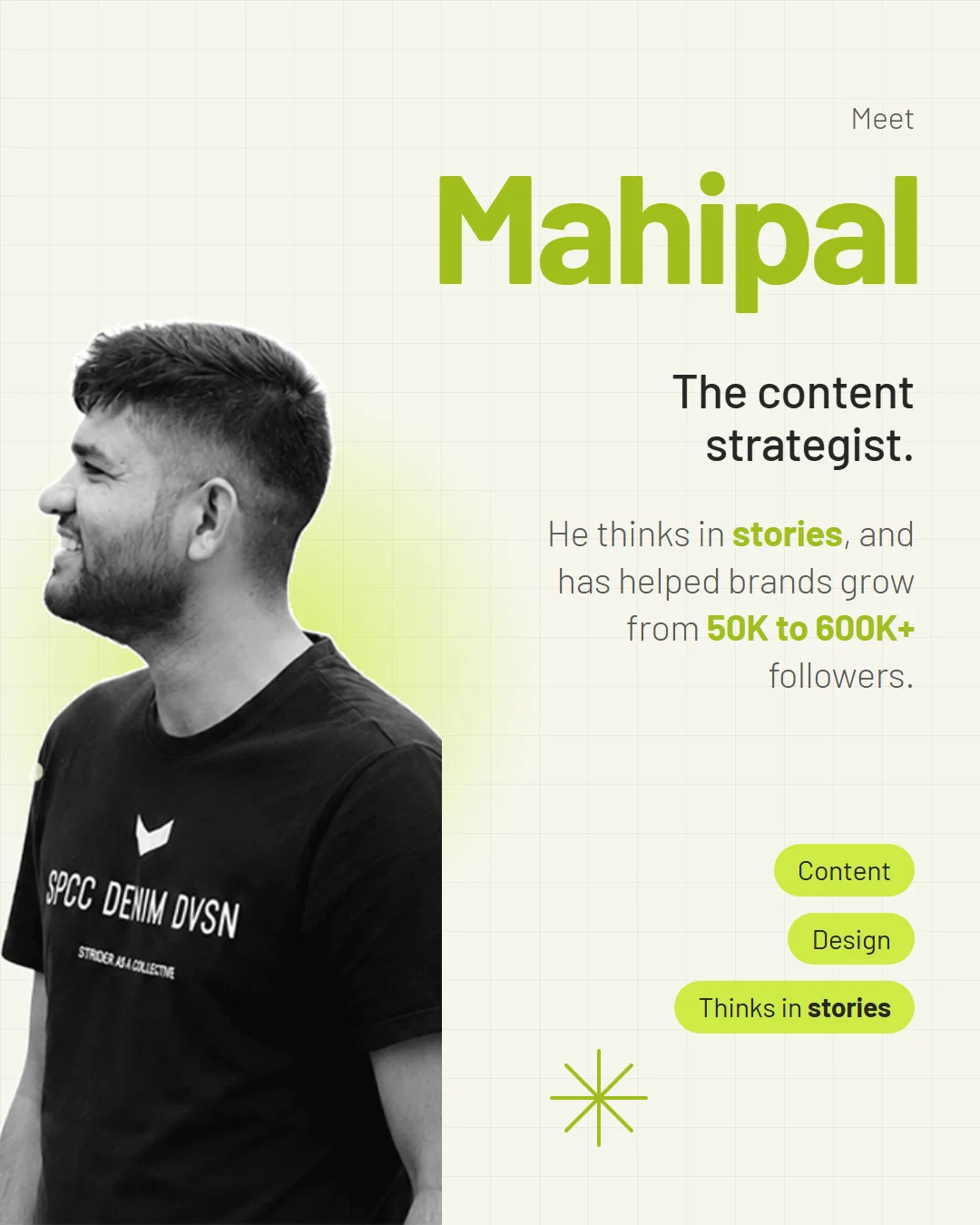
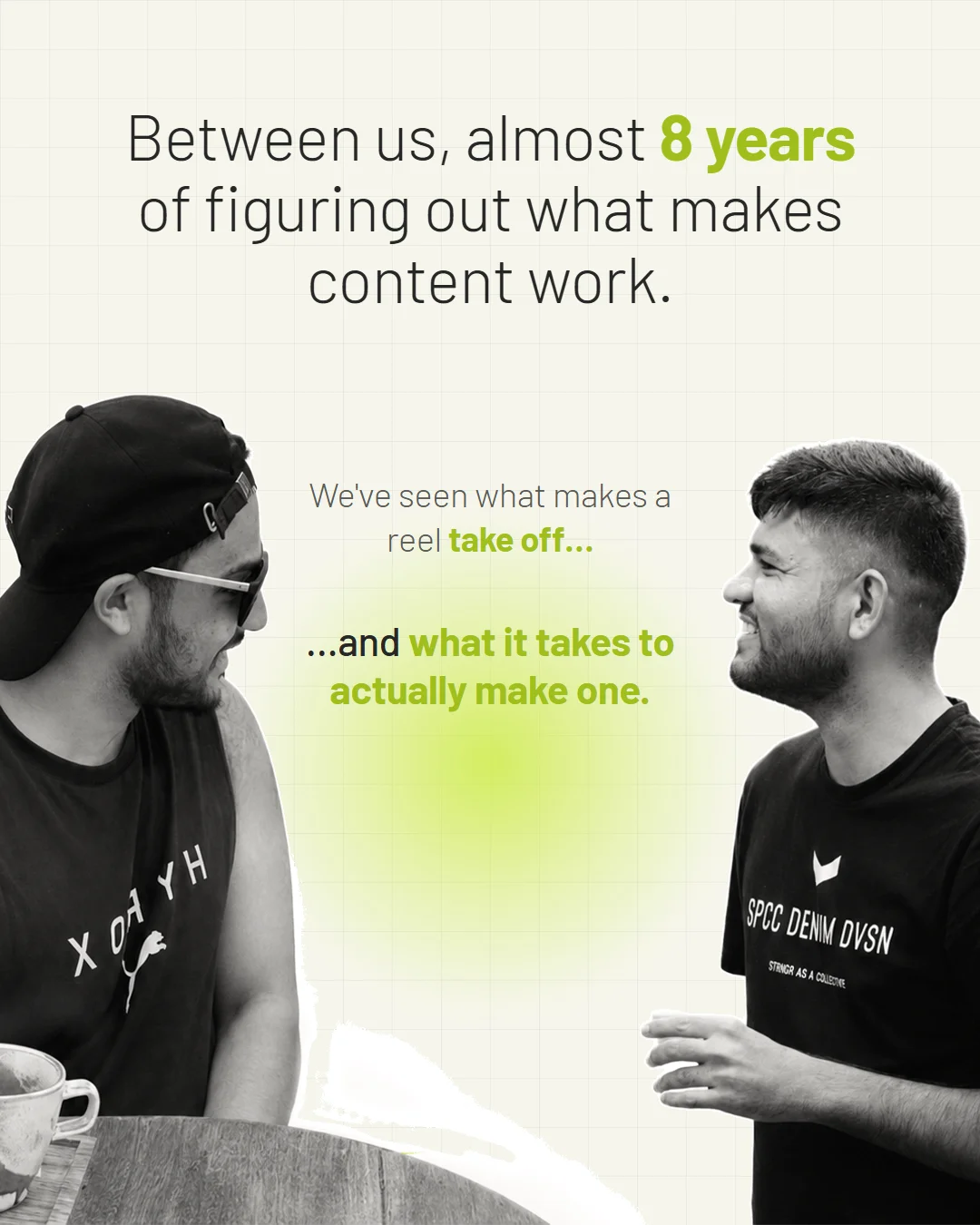
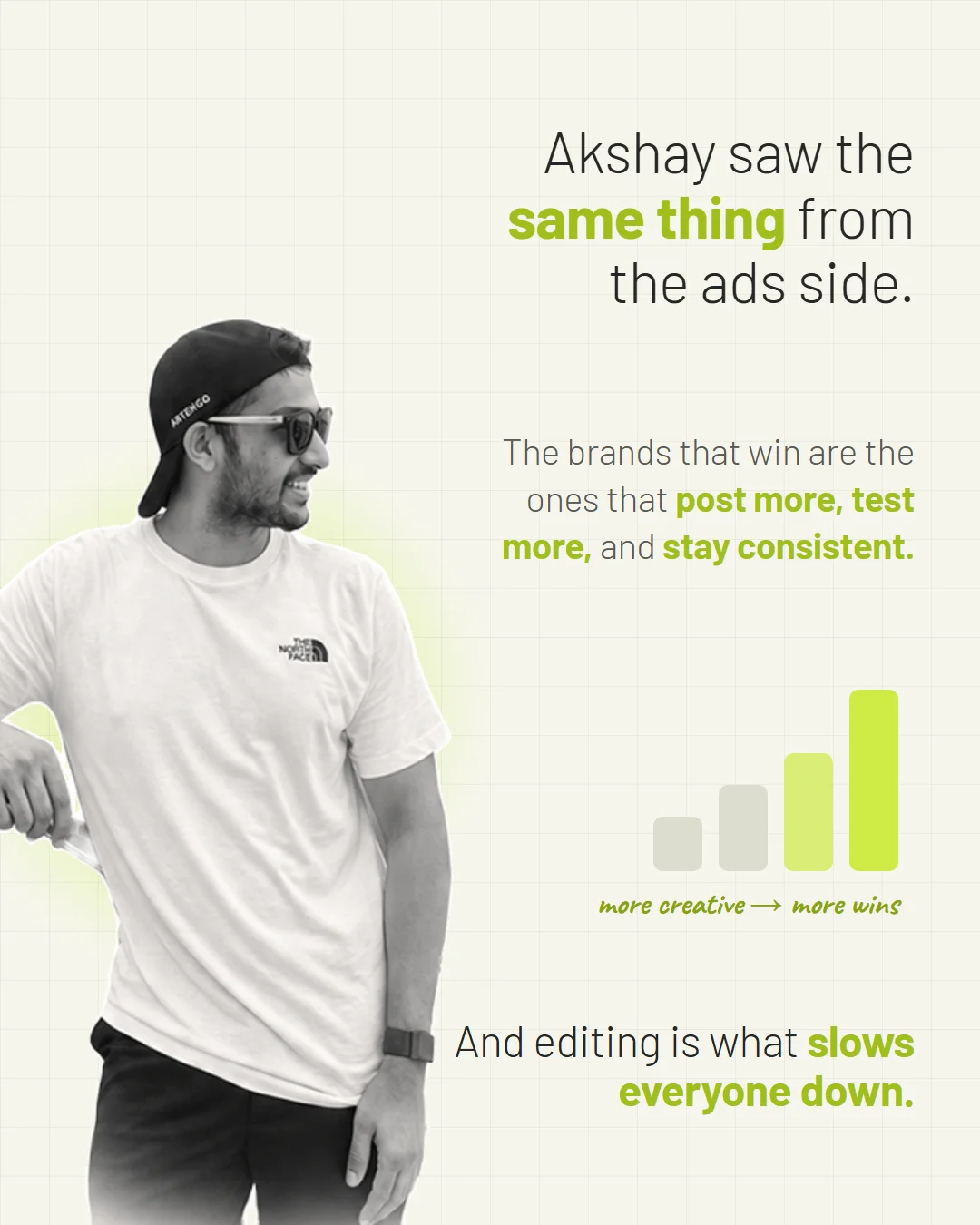
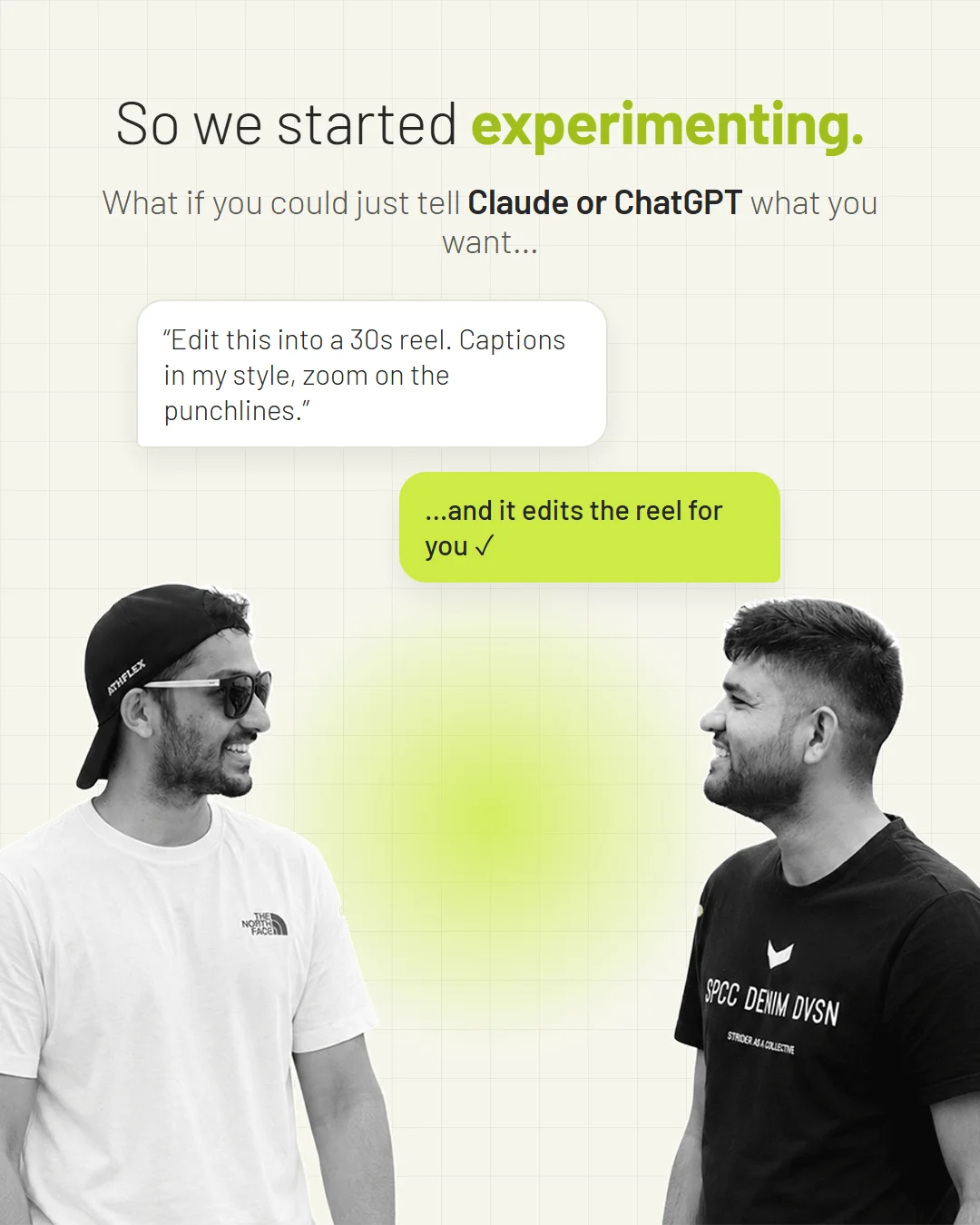
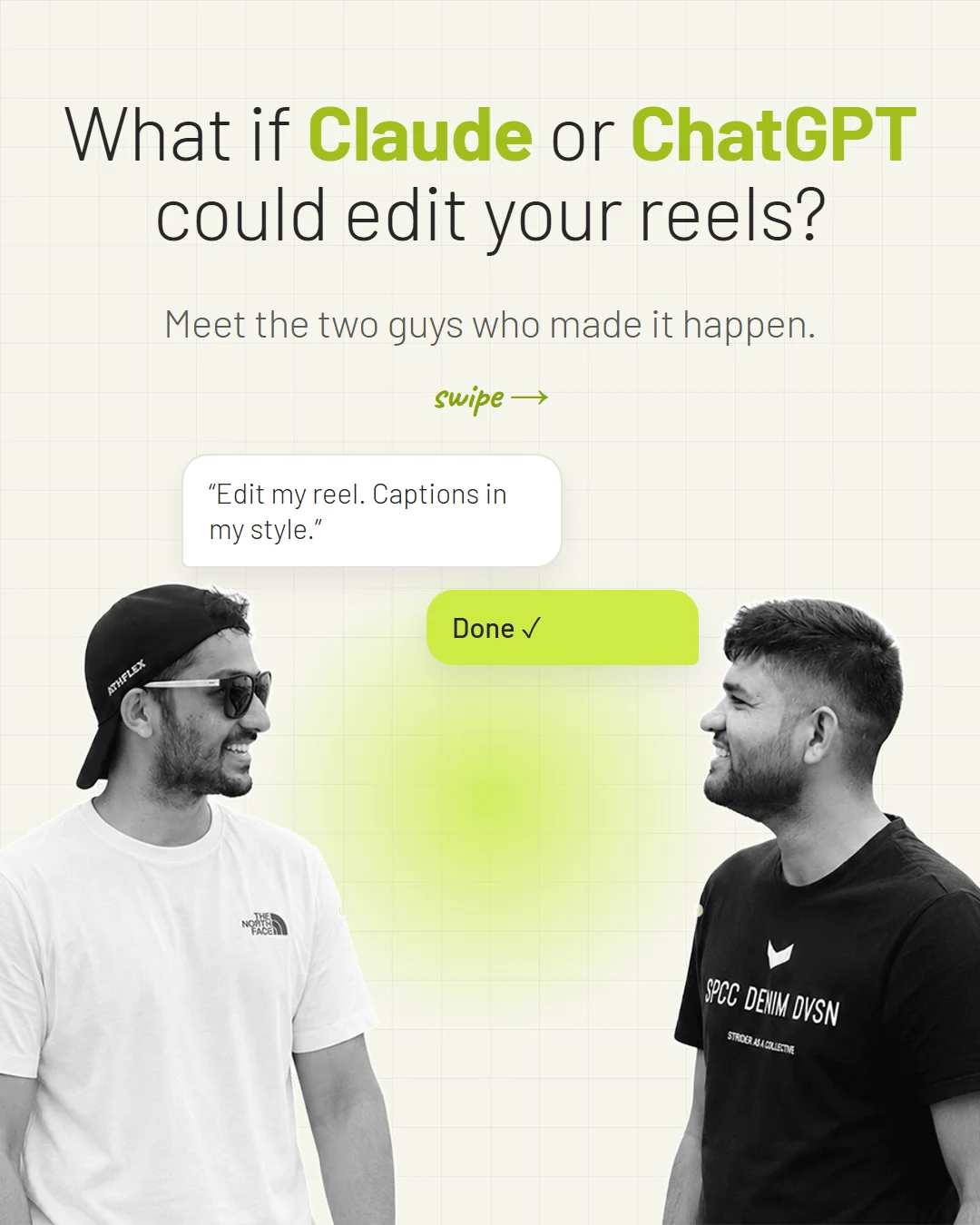
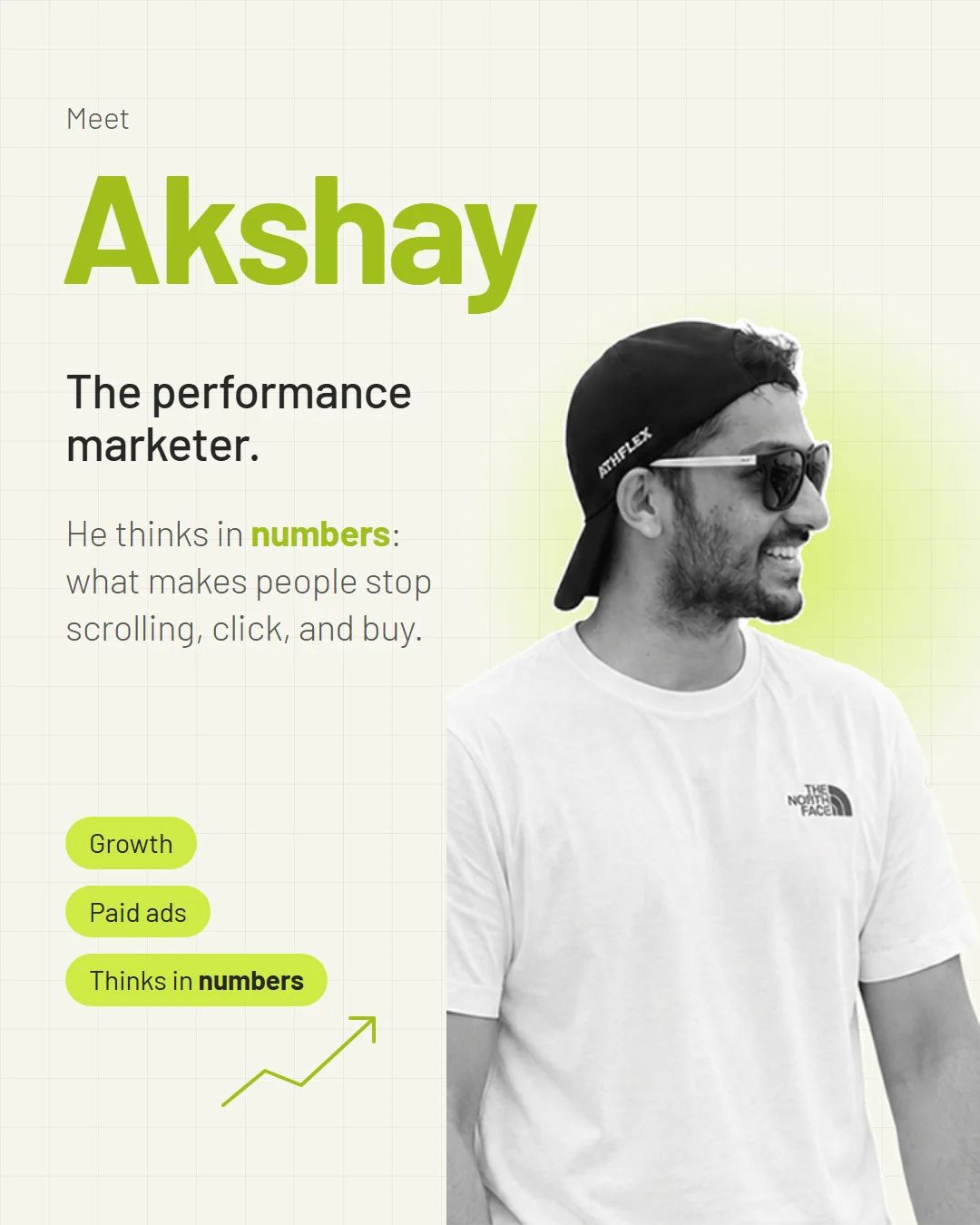
Mahipal and Akshay, founders of Creator Editing OS
Why trust us

We built it for our own client work first.

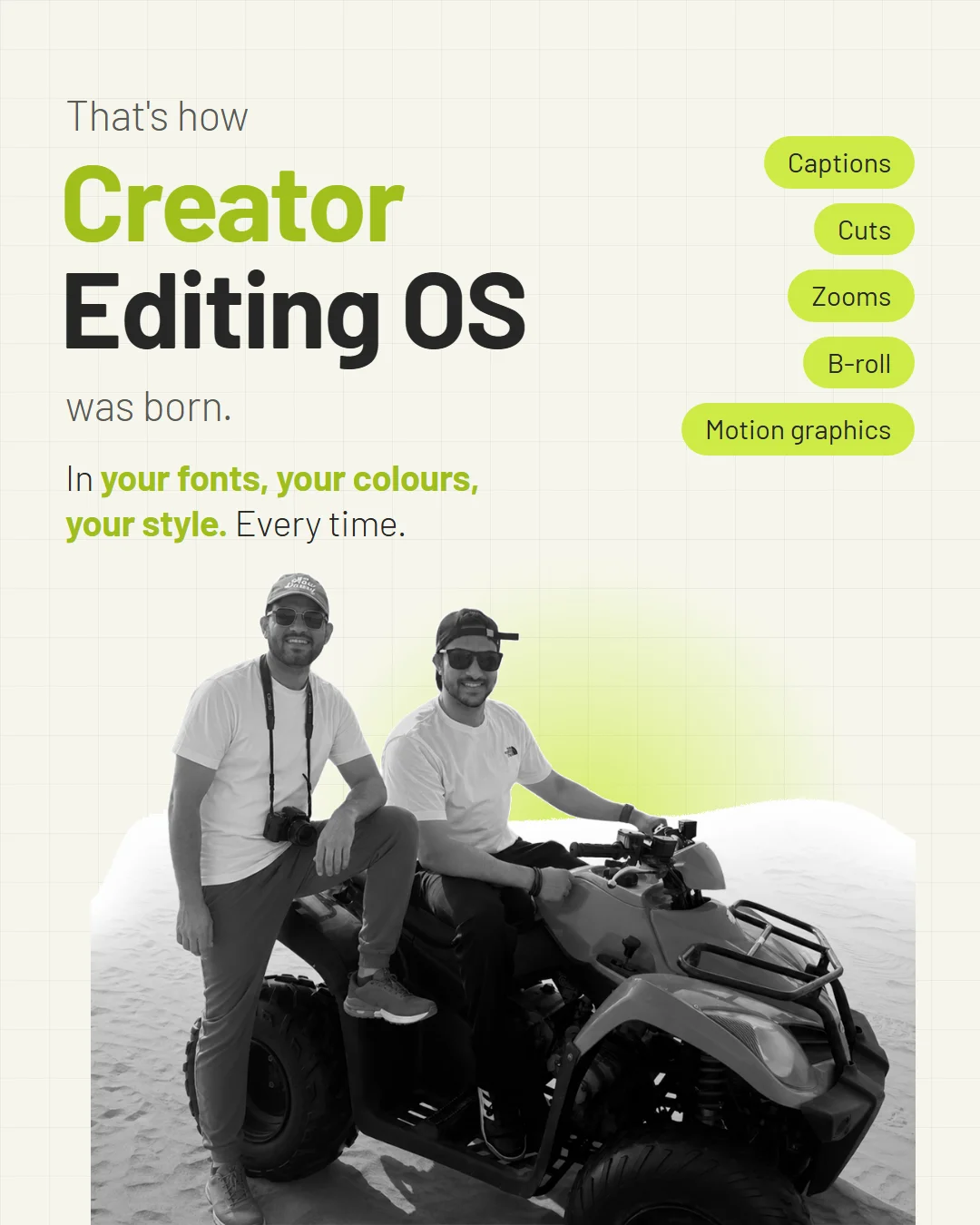
We’re Mahipal and Akshay. We’ve spent 8 years on branding, motion design and marketing for brands at Yonko Media.

Every AI editing tool we tried made videos that looked generated. So we built the system our own team uses: the same rules, the same taste checks, the same motion design on every video. Then we packaged it so you can run it on your own laptop.

No secret AI. Good tools, put together by people with taste.

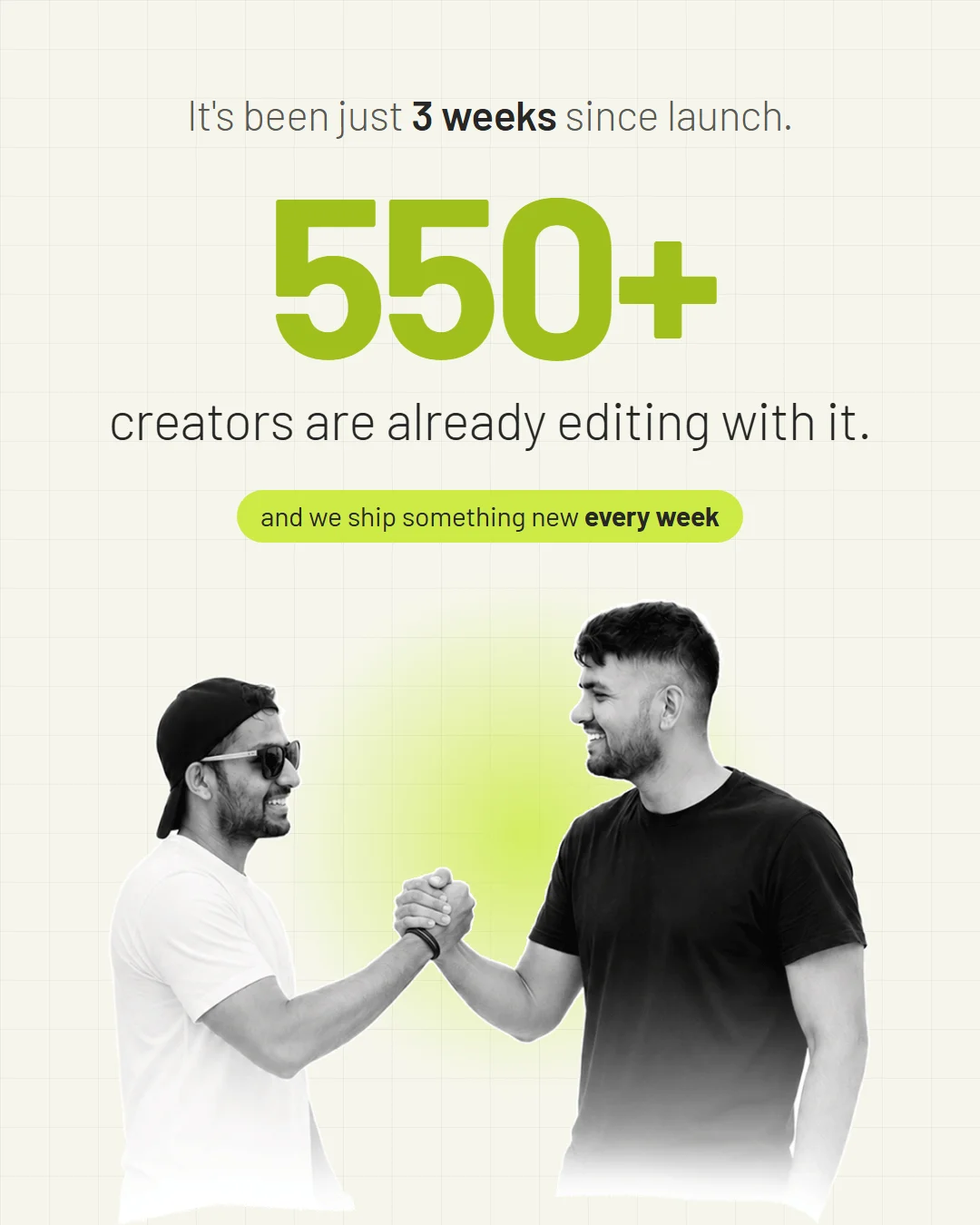
8 yearsbranding & motion design 723+creators using it Every dayon our own client edits
Mahipal & Akshay

Pay once. Edit 25+ reels a month. Every month.

Too good to be true? Try it yourself and find out.

Step-by-step handbook11 copy-paste promptsYour own design systemWindows & Mac
Get Creator Editing OS · $47

Secure payment through Razorpay · instant access

Claude subscription required separately. Monthly output depends on edit complexity and your plan’s usage limits.

Quick answers.

Do I need editing experience?+
No. If you can say “move the captions lower” or “make that cut faster”, you can give useful editing notes. The playbook walks you through the rest.
Do I really not need to know how to code?+
You won’t write any code. You’ll copy a prompt, paste an error back if one appears, and describe what looks wrong. If you can follow a recipe, you can run this.
I’m not a designer. Will my videos still look good?+
You don’t need design jargon. The style-building steps help you use a website you love, approve visual samples, and leave timestamped notes on reference edits. Start with what you like; the system helps make it consistent.
Is this really free to use?+
Creator Editing OS is a one-time purchase, and you’ll need a paid Claude subscription. Beyond that, the core workflow is designed for individual creators to edit without extra paid AI tools or per-video credits. Integrations such as Higgsfield are optional upgrades, not requirements. The underlying tools’ licensing terms still apply, especially for larger teams.
Is this subscription-based?+
Not our product. You pay once for Creator Editing OS and keep using it, with lifetime updates included at no additional cost. Claude is the separate ongoing subscription. You can use the workflow for 25+ reels a month, with output depending on video length, complexity and your Claude plan’s usage limits.
Which Claude plan do I need?+
A paid plan with Claude Code access. Pro is enough to get started. Heavy editing sessions can hit usage limits, so you may need to wait for them to reset.
How is this different from AI video apps?+
This edits your real footage using your own fonts, colours and reference edits. You describe specific changes instead of repeatedly generating a new video. Creator Editing OS doesn’t charge per-video credits; Claude’s own usage limits still apply.
What if I get stuck?+
Email us with the step you’re on and any error you see. We’ll walk you through it, and if needed, we can use remote access with your permission to work through the process on your computer. You won’t be left to figure it out alone.
Does it work in my language?+
The transcription workflow supports many languages, and captions follow your script. Tell Claude your language and check the transcript. For non-Latin or right-to-left text, the setup includes checking that your font and layout support it.
Can I edit travel videos and montages?+
Yes. Montages can cut to the beat of your music instead of spoken words. Add your footage, music and shot-list notes so Claude knows which moments matter.
Can I edit client videos with this?+
Yes. Keep each video in its own folder and create a separate design system for each client. Check the underlying tools’ commercial-use and team-size licensing terms before using the workflow across a larger team.
Can I use other creators’ edits as references?+
Use references to study pacing, typography and editing techniques—not to copy someone’s footage into your own videos. Use footage, music and assets you own or have permission to use.
Will it run on 8GB of RAM?+
Yes, though rendering can be slower. Close other apps, keep your first project short, and leave enough free disk space. More RAM helps with heavier edits.
What computer do I need?+
A Windows PC or Mac that can run Claude Code and the local editing tools. A laptop or desktop is required; this isn’t a phone or tablet app.
What if my first video isn’t great?+
Your first project is where the system starts learning your preferences. Keep it short, give clear notes, and save the changes you like as style rules. Each new video starts with what you’ve already taught it.
Creator Editing OS · $47Get it